First entry in a running series of Terraform labs — the basics, worked through hands-on rather than just read about. This one covers the full loop for a single resource: write config, initialize, validate, plan, apply, then inspect what Terraform actually did to state.
Prerequisites
A working directory to hold the config, kept separate from anything else:
mkdir learn-terraform-docker-container && cd learn-terraform-docker-container
And a file to define the infrastructure in:
touch main.tf
I opened main.tf and dropped in this configuration — a Docker provider, an nginx image, and
a container exposing it on port 8000:
terraform {
  required_providers {
    docker = {
      source  = "kreuzwerker/docker"
      version = "~> 3.0.1"
    }
  }
}

provider "docker" {}

resource "docker_image" "nginx" {
  name         = "nginx:latest"
  keep_locally = false
}

resource "docker_container" "nginx" {
  image = docker_image.nginx.image_id
  name  = "tutorial"
  ports {
    internal = 80
    external = 8000
  }
}
What each block is doing:
terraform {                            # settings block - which providers
  required_providers {                 #   Terraform needs to provision
    docker = {                         #   this config, and which version
      source  = "kreuzwerker/docker"
      version = "~> 3.0.1"
    }
  }
}

provider "docker" {}                   # configures the docker provider itself

resource "docker_image" "nginx" {      # pulls the nginx:latest image
  name         = "nginx:latest"
  keep_locally = false                 #   don't keep it locally after destroy
}

resource "docker_container" "nginx" {  # runs a container from that image
  image = docker_image.nginx.image_id
  name  = "tutorial"
  ports {
    internal = 80                      # container's internal port
    external = 8000                    # exposed on the host as :8000
  }
}
Initialize the directory
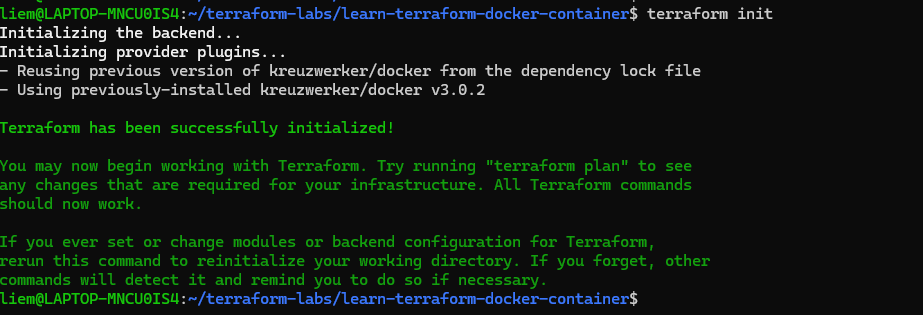
Any new config directory — or one freshly checked out from version control — needs
terraform init before anything else works. It reads the required_providers block,
downloads the matching provider plugin (docker, in this case), and sets up the local
.terraform/ directory:
terraform init
Format and validate the configuration
terraform fmt rewrites the config files in the current directory into Terraform’s canonical
formatting — consistent indentation and alignment, useful to run before every commit:
terraform fmt
terraform validate catches syntax errors and internal inconsistencies (referencing a resource
that doesn’t exist, wrong argument types, etc.) without needing any provider credentials or
touching real infrastructure:
terraform validate

Worth running both as a matter of habit — fmt before every commit, validate before every
plan, especially once a config has more than one or two resources.
Checking the changes
terraform plan
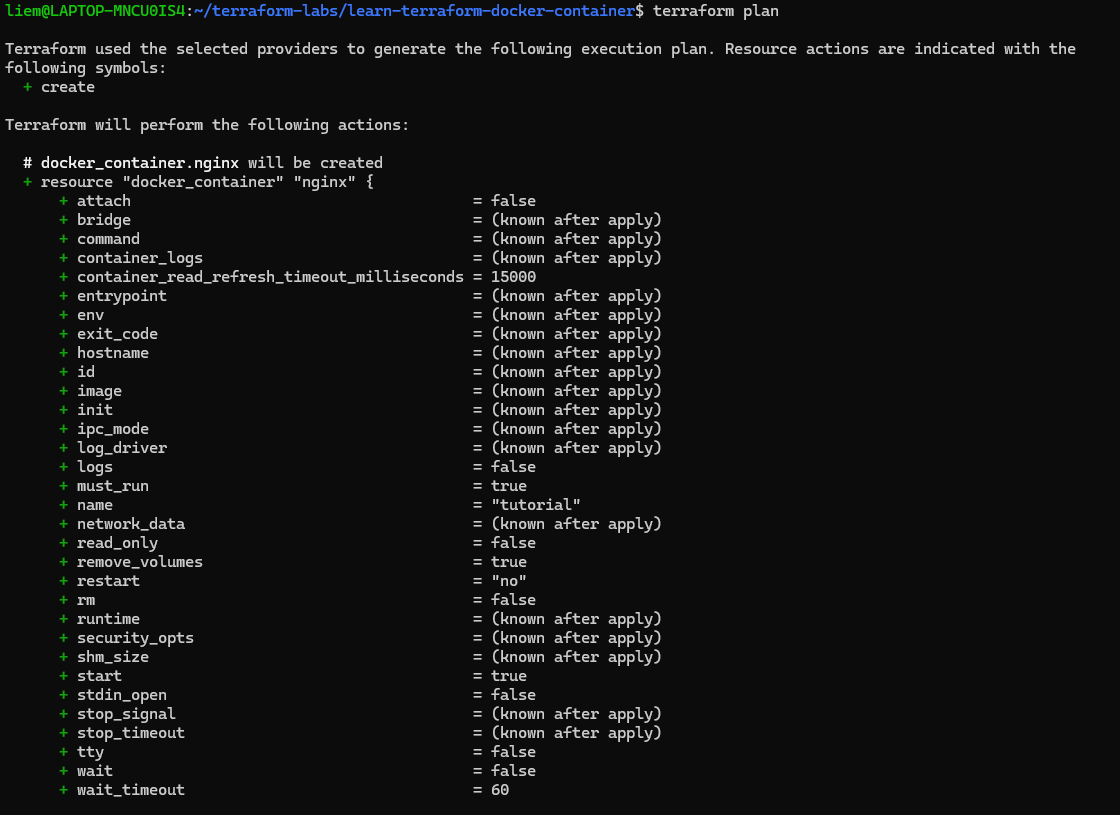
plan is a dry run — it shows exactly what Terraform intends to create, change, or destroy
without touching anything yet. Always worth reading before an apply, even for something this
small; the habit matters more once configs get larger and plans get longer.
Create infrastructure
terraform apply
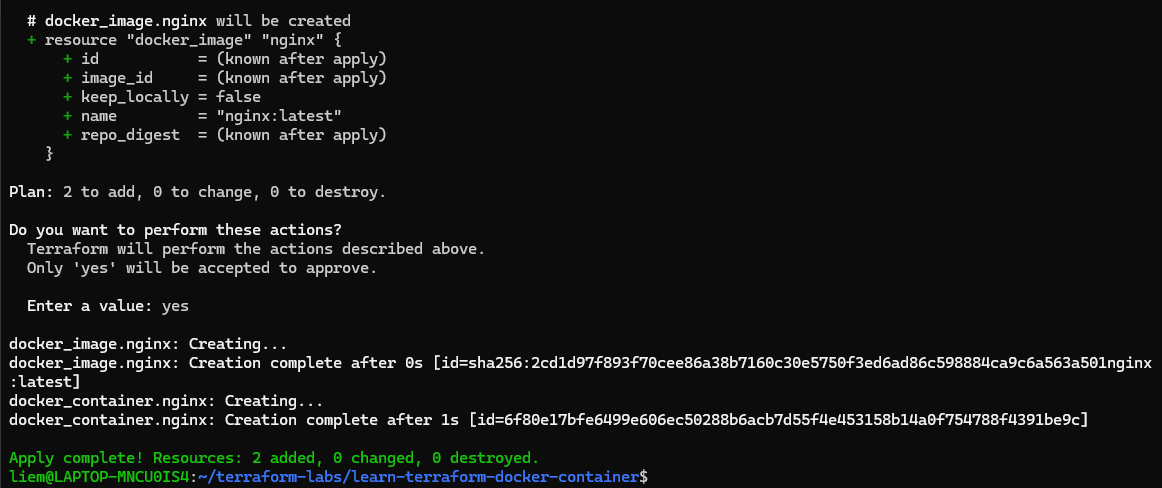
After confirming, Terraform provisions both resources — pulls the image, then starts the
container, mapped to localhost:8000.
Inspect state
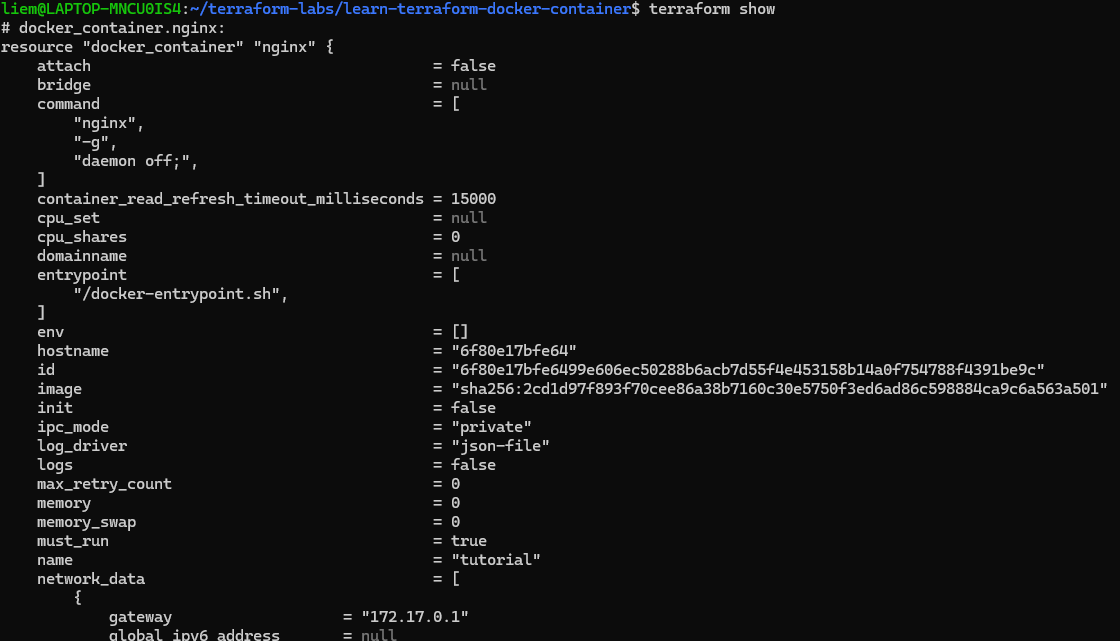
Every apply writes the IDs and current properties of everything it manages into
terraform.tfstate — that’s how it knows what to update or destroy on future runs, without
re-querying every resource from scratch each time.
terraform show prints the current state in a human-readable form:
terraform show
Outside Terraform entirely, docker ps confirms the container is actually up and reachable:
docker ps

Working with state directly
terraform state is the built-in toolkit for more advanced state operations. list, the most
basic subcommand, prints every resource currently tracked in state:
terraform state list

Next in this series: modifying this same config and watching Terraform work out an in-place update vs. a replace.